 Years in Business
 Microsoft Certified Partner
 Client Retention Rate
Windows 11 Is Getting Faster on 8GB of RAM — What Businesses Need to Know
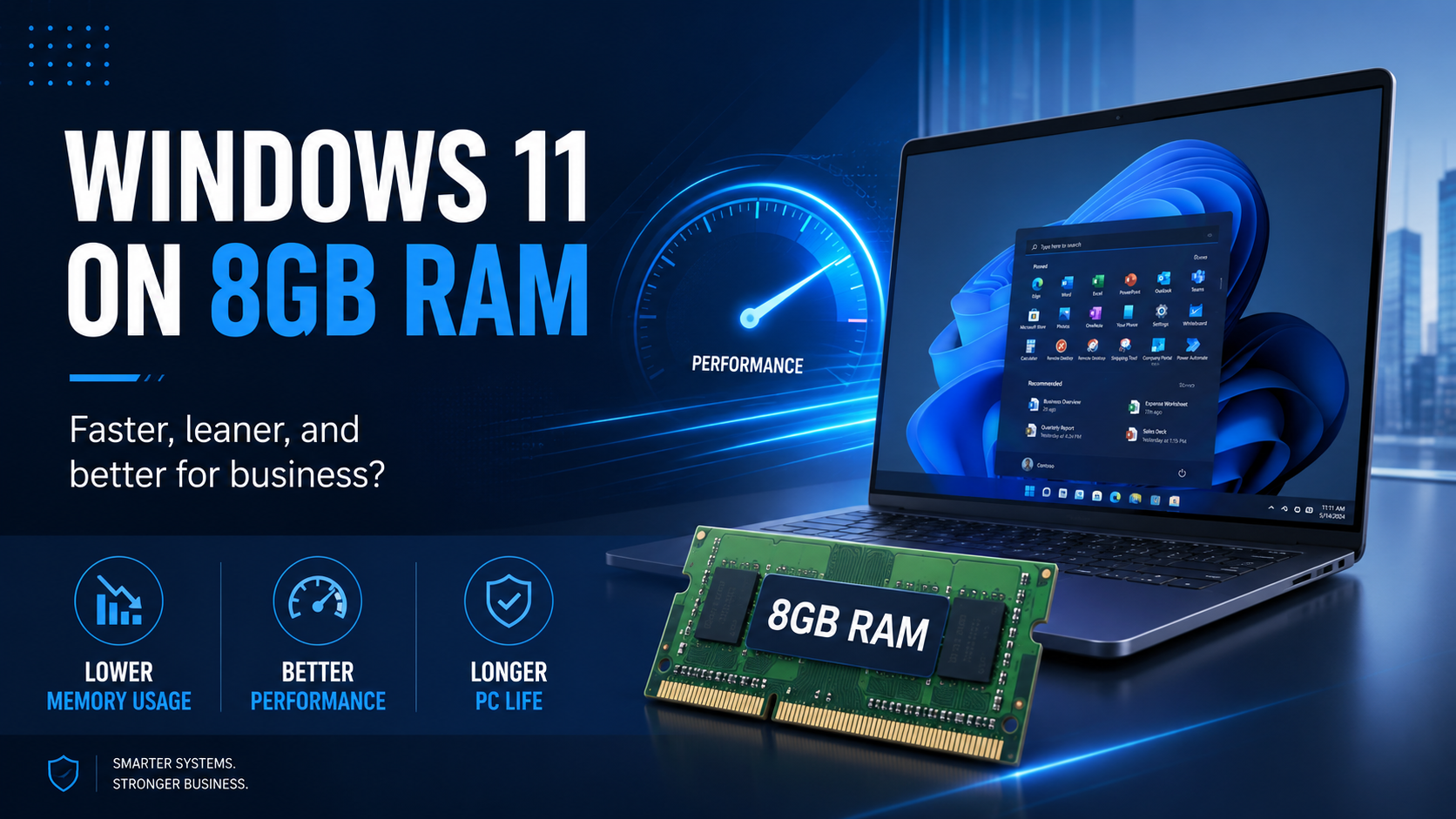
Microsoft is working to make Windows 11 faster and more efficient on computers equipped with 8GB of RAM, with a renewed focus on reducing the operating system’s memory footprint and improving overall responsiveness.
For businesses, that could be good news.
Organizations are constantly balancing performance, productivity, cybersecurity, and hardware costs. If Windows 11 can operate more efficiently on lower-memory systems, businesses may be able to extend the useful life of some existing computers and get better performance from future hardware.
But there is an important distinction to make:
Just because Windows 11 may run better on 8GB of RAM does not necessarily mean every business should start buying 8GB computers.
Microsoft Is Focusing on Windows 11 Performance
Microsoft has been working on a range of Windows 11 performance improvements, including reducing memory consumption, improving application responsiveness, speeding up common Windows functions, and making everyday tasks feel smoother.
The goal is relatively simple: Windows itself should consume fewer resources so more of the computer’s memory and processing power is available for the applications people actually use.
That can make a meaningful difference, particularly on systems with limited memory.
A computer with 8GB of RAM has much less room for multitasking than a system with 16GB or 32GB. If Windows requires less memory to operate, users may experience fewer slowdowns when opening programs, switching between applications, or working with multiple browser tabs.
Why 8GB Still Matters
Many businesses still have computers with 8GB of RAM in service.
Some were purchased several years ago, while others are still being sold today as entry-level business systems.
For employees with relatively light workloads, those systems may remain perfectly capable.
Typical examples could include employees who primarily use:
- Microsoft 365 applications
- Web-based business platforms
- Basic accounting or CRM software
- Cloud file storage
- Video conferencing
- Light browser-based workflows
For these users, a leaner version of Windows 11 could potentially extend the useful life of existing hardware.
That matters because delaying the replacement of even a portion of a company’s computers can have a meaningful impact on technology budgets.
But Is 8GB Enough for a New Business Computer?
That is a different question.
For many organizations, 16GB of RAM remains a much more practical starting point for new business computers.
Modern employees often run several applications simultaneously.
A typical workday may involve Microsoft Teams, Outlook, Excel, multiple browser tabs, cloud applications, cybersecurity software, file synchronization tools, video meetings, and line-of-business applications all running at the same time.
Each of those applications requires memory.
Once a computer runs low on available RAM, Windows begins relying more heavily on storage to compensate. Even with a fast solid-state drive, that can result in sluggish performance.
The computer may technically still work, but the employee experience can deteriorate quickly.
AI Is Changing Hardware Requirements Too
Businesses should also think beyond today’s workloads.
Artificial intelligence is becoming increasingly integrated into operating systems, productivity platforms, browsers, collaboration tools, and business applications.
These capabilities can place additional demands on processors, memory, and other system resources.
That means purchasing a computer with just enough capacity for today could result in a system that feels outdated much sooner than expected.
For many business users, 16GB of RAM offers a better balance between cost and longevity.
Employees working with large spreadsheets, creative applications, engineering software, analytics platforms, software development environments, virtualization, or demanding AI applications may require 32GB or more.
Better Windows Performance Could Extend PC Lifecycles
One of the most interesting benefits of Microsoft’s optimization efforts may have nothing to do with purchasing new computers.
Instead, businesses may be able to keep some existing machines in service longer.
An older computer with a capable processor, solid-state storage, and 8GB of RAM may still be perfectly adequate for certain roles.
If Windows 11 becomes more memory-efficient, those systems could become more responsive and remain productive for another period of time.
That can be especially valuable for organizations managing dozens or hundreds of computers.
However, age alone should never be the only factor when evaluating whether a computer should remain in service.
Businesses should also consider:
- Processor performance
- Installed memory
- Available storage
- SSD health and performance
- Windows 11 compatibility
- Manufacturer support
- Warranty status
- Cybersecurity requirements
- Employee workload
- Application requirements
- Overall reliability
Keeping an old computer simply because it still turns on is not necessarily a good technology strategy.
The Cheapest Computer Can Become the Most Expensive
One of the biggest mistakes businesses make when purchasing computers is focusing almost entirely on the initial purchase price.
Saving a small amount on every workstation may look attractive on an invoice.
But employee time is usually much more expensive than computer memory.
Consider an employee who repeatedly waits for applications to open, experiences slowdowns during video meetings, struggles with large spreadsheets, or constantly reloads browser tabs because the system is running low on memory.
Those delays may only last seconds at a time.
But multiplied across hundreds of workdays and multiple employees, those seconds become hours.
Over the typical lifespan of a business computer, the productivity cost of an underpowered machine can easily outweigh the money saved when the computer was originally purchased.
Businesses Should Think in Terms of Total Cost of Ownership
A good hardware strategy is not about purchasing the most powerful computer available.
It is about matching the computer to the employee.
A receptionist using email and a browser may have very different requirements from an accountant working with large spreadsheets.
A salesperson may need portability and battery life.
A graphic designer may require substantially more memory and processing power.
A software developer may need 32GB or 64GB of RAM.
The right computer depends on the workload.
That is why businesses should evaluate technology purchases using total cost of ownership rather than simply comparing sticker prices.
Factors such as productivity, reliability, warranty coverage, support costs, cybersecurity, and expected lifespan all matter.
What Should Businesses Do?
Microsoft’s efforts to make Windows 11 more efficient are encouraging, but businesses should not automatically lower their hardware standards.
Instead, organizations should use this opportunity to review their current computer environment.
Identify which systems are performing well.
Determine which computers are limiting productivity.
Evaluate whether older PCs can remain in service longer.
And establish practical hardware standards based on employee roles and expected workloads.
For many businesses, that may mean using different computer configurations for different types of employees rather than adopting a single specification for everyone.
The Bottom Line
Windows 11 becoming faster and more efficient on 8GB of RAM is good news.
It could improve the experience on existing computers, help businesses extend hardware lifecycles, and make lower-cost PCs more usable for basic workloads.
But businesses should avoid confusing “Windows 11 works better with 8GB” with “8GB is the right amount of memory for every employee.”
For many modern business users, 16GB remains a sensible baseline, while more demanding roles may require significantly more.
The best technology strategy is not about buying the cheapest computer or the most expensive one.
It is about putting the right technology in front of the right employee and making sure that technology continues supporting productivity, security, and business growth for years to come.
Aaron Kane
Why Is CTI Technology The Best Choice For IT Services In The Chicagoland Region?

“Great pricing, even better service. Highly recommended!”
Great pricing, even better service. Highly recommended!”
Guido Arquilla

“Great IT company for our business! Highly recommended.”
“Great IT company for our business! Highly recommended.”
Brian Coli
“CTI is a great company and I would not trust my IT services to anyone else.”
CTI is a great company and I would not trust my IT services to anyone else.
Jenny Wagner