 Years in Business
 HIPAA Certified Staff
 Microsoft Certified Partner
 Client Retention Rate
Proactive IT: Prevent Problems Before They Disrupt Your Business
Your IT environment is either helping your business move forward or quietly creating risk in the background. Unfortunately, many small and medium-sized businesses do not discover which one until something goes wrong.
A server fails during a busy workday. A ransomware attack locks critical files just before an important deadline. A Microsoft 365 configuration mistake leaves company information exposed without anyone realizing it. A backup that everyone assumed was working turns out to be unusable when it is finally needed.
These situations happen every day, and they often have something in common: the problem was developing long before anyone noticed it.
That is exactly what proactive IT services are designed to change.
Reactive IT Can Be More Expensive Than It Looks
Traditional break-fix IT has a simple model: something stops working, you call for help, and a technician fixes it.
At first glance, that can appear economical because you only pay when something goes wrong. The problem is that the invoice from the IT company is only one part of the actual cost.
There is also the cost of employees who cannot work, customers who cannot be served, deadlines that are missed, sales that are delayed, and emergency recovery work that could have been avoided.
For a small or medium-sized business, even a relatively short outage can create significant disruption.
Proactive IT support changes the model.
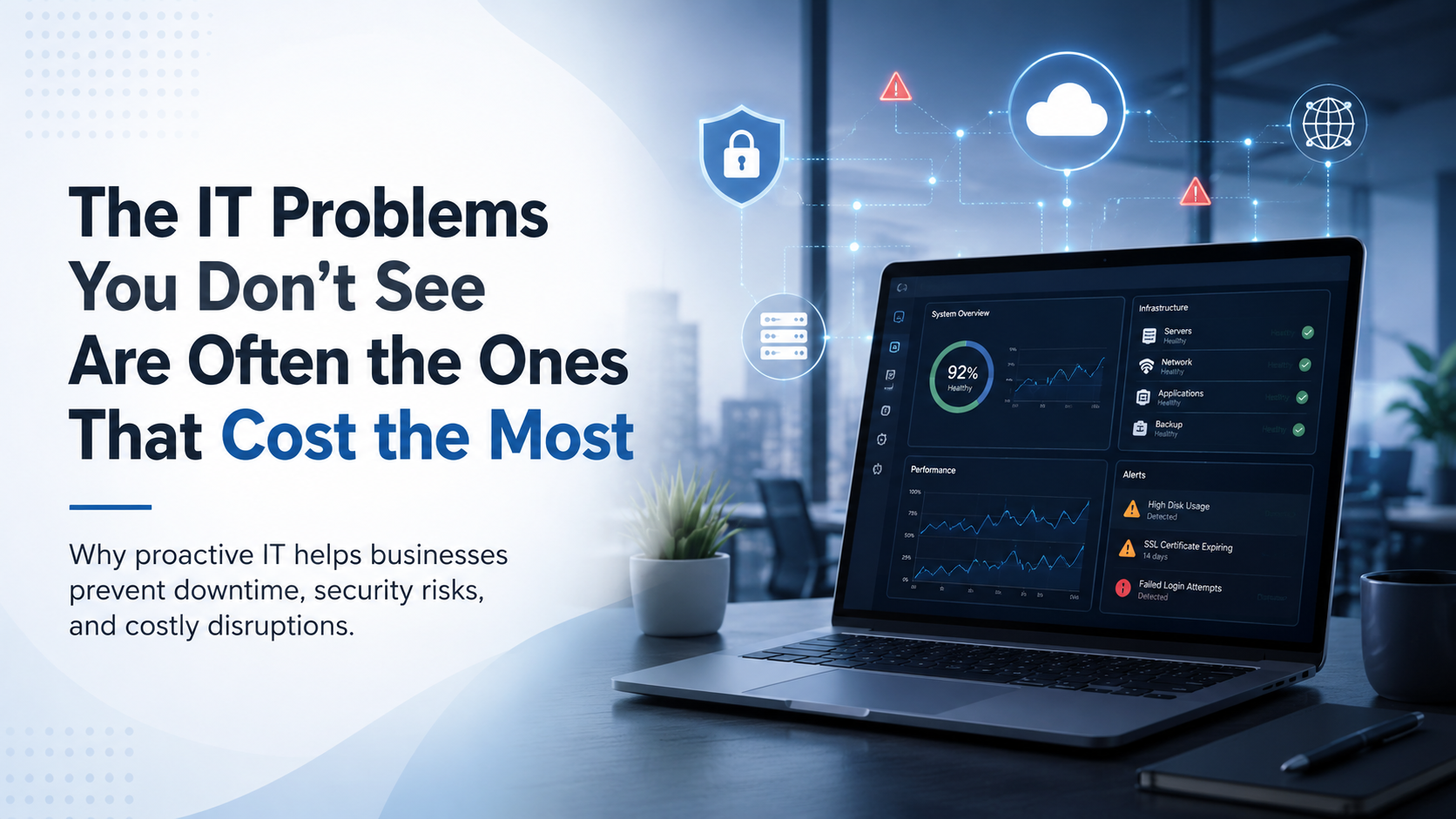
Instead of waiting for failures, a proactive IT provider continuously monitors your technology, performs scheduled maintenance, identifies warning signs, addresses security vulnerabilities, and helps plan technology improvements before they become urgent.
The objective is simple: keep your technology reliable, secure, and predictable.
What Proactive IT Monitoring Actually Does
Monitoring is one of the foundations of proactive IT management, but effective proactive support goes far beyond simply knowing whether a computer or server is online.
24/7 Infrastructure Monitoring
Servers, computers, firewalls, switches, wireless networks, cloud platforms, and other systems generate information about their health and performance around the clock.
Proactive monitoring tools watch these systems for unusual behaviour and early warning signs.
Depending on the environment, an IT provider may monitor:
- Server health and availability
- Hard drive and storage capacity
- CPU and memory utilization
- Network connectivity and performance
- Backup success and failure
- Endpoint security alerts
- Firewall and network activity
- Cloud service availability
- Microsoft 365 security events
- Hardware health
Instead of discovering a failing component after it causes an outage, your IT team may be able to identify it early and replace or repair it during scheduled maintenance.
That difference can turn an emergency into a routine service call.
Patch and Update Management
Outdated software is both a security risk and an operational problem.
Cybercriminals frequently target vulnerabilities for which security updates already exist. At the same time, computers that fall far behind on updates can experience compatibility problems, application failures, and unexpected upgrade issues.
Proactive IT management includes regularly evaluating and deploying updates for systems such as:
- Windows and other operating systems
- Business applications
- Web browsers
- Microsoft 365 applications
- Security software
- Firewalls
- Network devices
- Servers
- Firmware
Updates can be tested, scheduled, and deployed in a controlled way that reduces disruption while keeping systems protected.
Good patch management is not simply about installing every update immediately. It is about having a reliable process for keeping technology current without unnecessarily interrupting the business.
Performance Monitoring and Capacity Planning
Technology problems do not always arrive suddenly.
Sometimes a server becomes slightly slower every month. Storage space gradually disappears. Internet usage increases. A company adds employees but continues relying on infrastructure designed for half as many people.
Eventually, employees begin noticing slow applications, dropped connections, or long login times.
Proactive IT management tracks performance over time so these trends can be identified earlier.
This also makes technology planning easier.
If storage capacity, network demand, licensing requirements, or computing resources are approaching their limits, businesses can budget and plan upgrades instead of making emergency purchases after something fails.
Technology decisions become part of normal business planning rather than crisis management.
Cybersecurity Should Be Part of Everyday IT
Cybersecurity should not be something a business thinks about only after an incident.
A proactive IT strategy incorporates security into normal technology management.
Depending on the needs of the organization, this may include:
- Endpoint protection
- Managed threat detection
- Email security
- Multi-factor authentication
- Security awareness training
- Vulnerability management
- Microsoft 365 security configuration
- Firewall management
- Backup monitoring
- Access control
- Security policies
- Incident response planning
The goal is not to eliminate every possible risk. No organization can guarantee that.
The goal is to reduce unnecessary exposure, identify suspicious activity quickly, and have a plan for responding when something does happen.
Early detection can make an enormous difference.
A compromised computer discovered quickly may be isolated before an attacker reaches other systems. A suspicious login may be investigated before an account is abused. A failed backup can be corrected today instead of being discovered during a disaster six months from now.
Backups Need to Be Monitored and Tested
Having backup software installed does not automatically mean your business is protected.
Backups can fail because of storage problems, configuration mistakes, expired credentials, software errors, connectivity problems, or insufficient capacity.
And even a backup that reports success may not necessarily provide the recovery capability a business expects.
A proactive IT provider should regularly monitor backup systems and verify that important information can actually be recovered.
A strong backup strategy considers questions such as:
- What information is being backed up?
- How frequently are backups created?
- How long are backups retained?
- Is there an off-site or cloud copy?
- Can ransomware reach the backup?
- How quickly can systems be restored?
- Has recovery actually been tested?
The middle of a major outage is the worst possible time to discover the answers.
Microsoft 365 and Cloud Services Need Management Too
Moving technology to the cloud does not eliminate IT management.
Microsoft 365, Google Workspace, cloud applications, and other hosted services still need configuration, security, monitoring, licensing, user management, and ongoing review.
For Microsoft 365 environments, proactive management may include:
- Multi-factor authentication
- Conditional access
- Email security
- Anti-phishing protection
- User account reviews
- Administrator account protection
- License management
- SharePoint and OneDrive configuration
- Data retention
- Security alert monitoring
- Backup protection
Cloud services are extremely powerful, but many security incidents involving cloud platforms result from weak passwords, excessive permissions, poor configuration, or compromised user accounts rather than failures of the cloud provider itself.
Proactive management helps reduce those risks.
IT Strategy Should Support the Business
Many businesses accumulate technology gradually.
A new application is purchased because one department needs it. Another cloud service is added six months later. A security product is introduced after a phishing incident. Several employees start using their own file-sharing platform because the existing system is inconvenient.
After several years, the company may be paying for overlapping products while still dealing with technology problems.
A proactive IT provider should help bring those pieces together.
That means understanding:
- Where the company is going
- How many employees it expects to add
- Which applications are business-critical
- What cybersecurity risks it faces
- Which systems are reaching end of life
- Where technology is creating inefficiency
- What upgrades will be required
- What those improvements are likely to cost
The result should be an IT roadmap that connects technology decisions to business objectives.
Instead of asking, “What should we buy next?”
The better question becomes, “What technology will help us operate securely and efficiently over the next several years?”
Proactive IT Makes Technology More Predictable
The most successful IT environments are often the least exciting.
Employees arrive in the morning and their computers work.
Applications open normally.
Internet connections remain stable.
Security updates happen without major disruption.
Backups complete successfully.
Employees receive help before small problems turn into major frustrations.
Management knows which equipment will need replacing and can budget accordingly.
There are fewer emergencies because more issues are addressed while they are still small.
That reliability is one of the biggest benefits of proactive IT.
Technology stops being something everyone worries about and starts becoming infrastructure the business can depend on.
Proactive IT Can Also Reduce Support Requests
Many recurring support tickets are symptoms of larger underlying problems.
If employees constantly report slow computers, unreliable Wi-Fi, disappearing printers, password problems, or application crashes, responding to each individual ticket may solve the immediate problem without addressing the cause.
Proactive IT looks for patterns.
Why are several computers experiencing the same issue?
Why does Wi-Fi performance drop every afternoon?
Why are users repeatedly running out of storage?
Why are employees receiving so many phishing emails?
Why does the same application continue crashing?
Solving the underlying issue can eliminate dozens of future support requests.
That improves productivity for employees while allowing the IT provider to spend more time improving the environment instead of repeatedly repairing the same problems.
Frequently Asked Questions
What is the difference between proactive IT support and reactive IT support?
Reactive IT support focuses primarily on fixing problems after they happen.
Proactive IT support combines technical support with monitoring, maintenance, cybersecurity, backup management, patching, planning, and preventative work designed to reduce the likelihood and impact of future problems.
Most businesses still need responsive technical support when unexpected issues occur. The difference is that proactive IT also works continuously to prevent those issues from happening in the first place.
How does managed IT monitoring work for a small business?
Monitoring software can securely report information about the health of computers, servers, networks, backups, and other technology systems to an IT provider.
When a monitored condition crosses a defined threshold or an important event occurs, the IT team can investigate.
Depending on the problem, it may be resolved remotely, scheduled for maintenance, or escalated for immediate attention.
Is proactive IT affordable for small businesses?
For many businesses, proactive IT makes technology costs more predictable because routine monitoring, maintenance, and support can be included in a regular monthly service agreement.
The more important comparison is not simply proactive IT versus the cost of an occasional repair.
Businesses should also consider the cost of downtime, employee productivity loss, emergency technical support, cybersecurity incidents, failed backups, and unplanned equipment replacement.
Preventing even one significant outage or security incident can represent substantial savings.
Does proactive IT eliminate all technology problems?
No IT provider can guarantee that hardware will never fail, software will never have bugs, or cyberattacks will never occur.
Proactive IT is about reducing risk.
Systems are monitored more closely, vulnerabilities are addressed sooner, backups are verified, and problems can often be identified before they create serious business disruption.
When an unexpected incident does happen, a well-managed environment is usually better prepared to recover from it.
What businesses benefit most from proactive IT services?
Almost any organization that depends on computers, cloud services, email, customer information, internet connectivity, or business applications can benefit.
Proactive IT is particularly valuable for organizations that cannot afford extended downtime, including professional services firms, healthcare organizations, manufacturers, retailers, construction companies, financial organizations, nonprofits, and growing small businesses.
How often should an IT environment be reviewed?
Monitoring should happen continuously, but technology strategy should also be reviewed regularly.
Many organizations benefit from scheduled IT reviews several times each year. These reviews can examine cybersecurity, equipment lifecycle, licensing, backups, upcoming projects, budgets, and changes in the business.
The purpose is to make sure technology continues to support where the organization is heading.
Making the Shift to Proactive IT
Many business owners become accustomed to a certain amount of technology frustration.
A computer problem here. A network outage there. A security warning every few months. Employees working around systems that never quite function properly.
It does not have to be normal.
A proactive approach changes the focus from repairing technology after it fails to managing technology so it remains reliable, secure, and aligned with the business.
Problems are identified earlier.
Technology expenses become easier to plan.
Security improves.
Employees experience fewer interruptions.
Management gains a clearer picture of the company’s technology risks and future needs.
Most importantly, IT becomes something that supports the business instead of something the business constantly has to manage.
If you are unsure whether your current IT environment is being proactively managed, speak with an experienced IT provider about an infrastructure and cybersecurity assessment. A review of your systems, backups, security, and technology roadmap can quickly identify where preventative improvements could reduce risk and improve reliability.