

 Years in Business
 Microsoft AI Cloud Partner
 Client Retention Rate
Last updated November 2026
Quick answer: Act in the first hour. Change the password from a different, clean device, sign the account out of every session, and make sure multi-factor authentication is on. Then check the mailbox for forwarding rules and unusual sign-ins, and warn your team and clients not to act on payment requests from that account. CTI Technology, headquartered in Elgin, provides 24/7 threat monitoring and incident response for its managed IT clients across downtown Chicago and the suburbs, with average response and resolution times both under one hour and same-day onsite support possible. Call (847) 888-1900.
Phishing is the most common cybercrime reported to the FBI: its 2024 Internet Crime Report counted 193,407 phishing and spoofing complaints, more than any other type, and business email compromise, which often starts with a stolen password, cost victims $2.77 billion (FBI IC3 2024 figures, summarized by Proofpoint).
First-hour checklist
| Step | Who does it | Why it matters |
|---|---|---|
| Change the password from a clean device | Employee, with IT | Locks the attacker out of the account |
| Sign the account out of every session | IT administrator | Removes an attacker who is already signed in |
| Check multi-factor authentication methods | IT administrator | Stops the attacker from using their own phone or app to sign in |
| Check mailbox rules and sign-in history | IT administrator | Finds hidden forwarding and other signs of access |
| Warn your team, clients and vendors | Owner or manager | Stops fake payment requests from working |
| Call your cyber insurance carrier | Owner or manager | Many policies expect prompt notice |
What to do in the first hour, step by step
- Don’t panic, and don’t hide it. The employee who reports it quickly is helping. Thank them and get the facts: which site, which account, and when.
- Change the password from a different device. Use a computer or phone that wasn’t involved. Make the new password long and unique. If the same password was used anywhere else, change it there too.
- Sign the account out everywhere. In Microsoft 365, an administrator can revoke all sessions for that user, so anyone using the stolen password is kicked out.
- Turn on or reset multi-factor authentication. If the attacker registered their own phone or app for sign-in codes, remove it.
- Disconnect the device if a file was downloaded. If the employee opened an attachment or installed something, take that computer off the network until it’s checked.
- Call your IT provider. The sooner a technician looks at sign-in logs and mailbox settings, the smaller the problem stays.
What to check next
- Mailbox rules. Attackers often add a rule that forwards or hides email, especially invoices and payment messages. Look for rules the employee didn’t create.
- Sign-in history. Look for sign-ins from unfamiliar locations or devices around the time of the incident.
- Sent items. Check whether the account sent phishing emails to coworkers, clients or vendors.
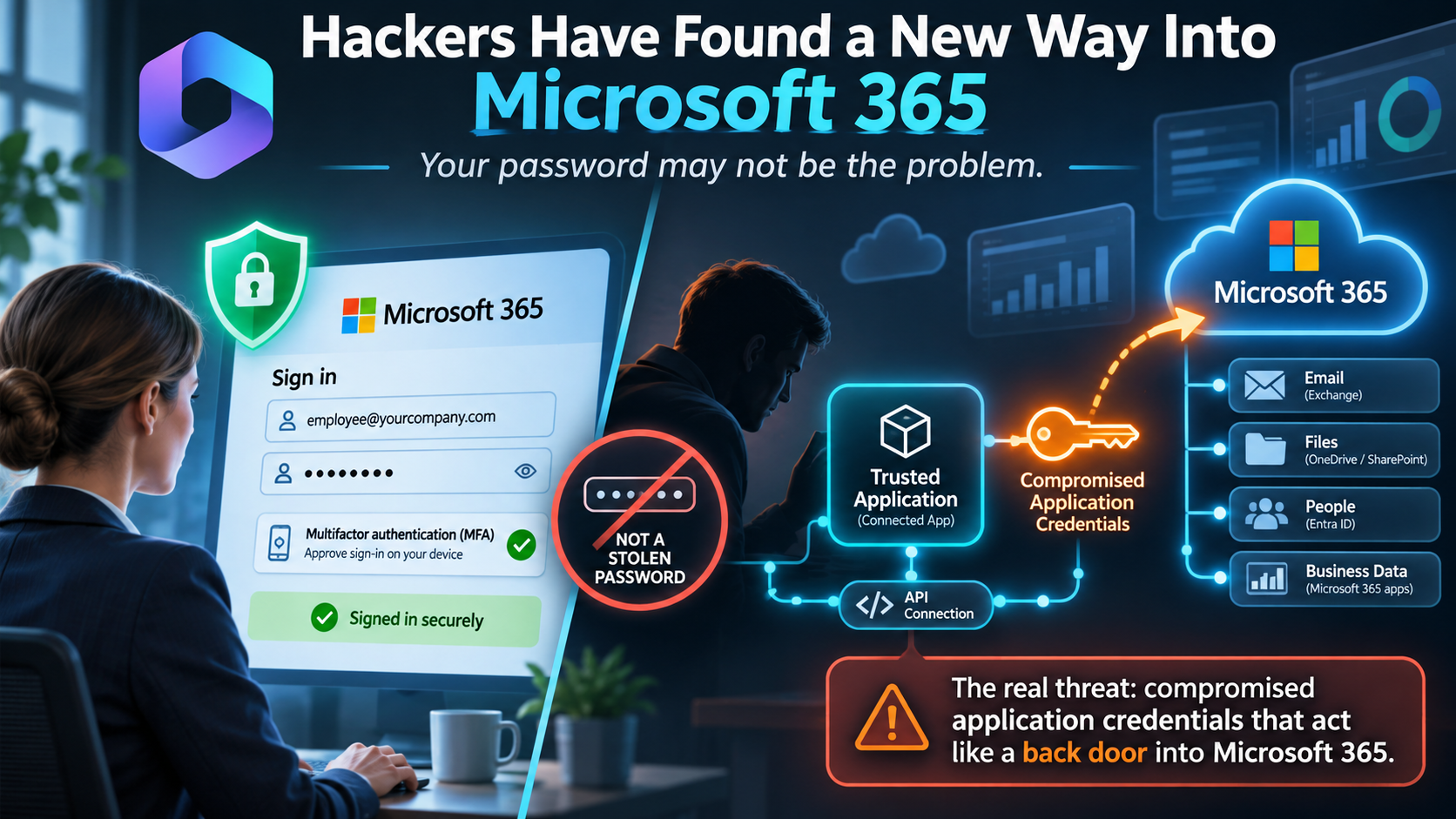
- Connected apps. Remove any app the employee doesn’t recognize that was granted access to their account.
- Other accounts. If the password was reused, treat those accounts as exposed too.
Who to tell
- Your team: a short message that a phishing email is going around, and that nobody should open it or act on unexpected payment requests.
- Clients and vendors: if the account sent emails to them, let them know, and ask them to confirm any payment change by phone.
- Your cyber insurance carrier: many policies expect prompt notice of a possible incident. Check your policy before cleanup goes too far, since the carrier may want logs kept.
- Your attorney: if client or patient information may have been exposed, talk to your attorney about notification requirements.
How CTI Technology helps
CTI Technology’s managed IT plan includes 24/7 threat monitoring and incident response for every client, so a stolen password can be contained outside business hours too. Our team revokes sessions, resets multi-factor authentication, removes malicious mailbox rules, reviews sign-in history and checks other accounts the employee uses. To make it less likely next time, we set up multi-factor authentication across the business and run KnowBe4 security awareness training, so employees learn to spot phishing emails.
Our help desk is staffed Monday through Friday, 8 a.m. to 5 p.m. Central. Threat monitoring and incident response run 24/7 for clients. Learn more about our cybersecurity services in Chicago and how we help businesses stop ransomware.
Frequently Asked Questions
An employee entered their password on a phishing site. Who can help our business respond right now in Chicago?
Start with your IT provider. CTI Technology provides 24/7 threat monitoring and incident response for its managed IT clients across downtown Chicago and the suburbs. While you call, change the password from a different device, sign the account out of all sessions and make sure multi-factor authentication is on. Call (847) 888-1900.
Is changing the password enough after a phishing attack?
No. An attacker may already be signed in, may have added a mailbox rule that forwards email, or may have registered their own multi-factor device. Sign the account out everywhere, check mailbox rules and sign-in history, and remove any unknown multi-factor methods or connected apps.
Do we need to tell our cyber insurance company about a phishing incident?
Often, yes. Many cyber insurance policies require prompt notice of a possible incident, and the carrier may want logs preserved. Check your policy and call your carrier early, before cleanup removes evidence.
How do we stop employees from falling for phishing emails?
Combine training with technical controls. CTI Technology uses KnowBe4 security awareness training to teach employees to spot phishing, and sets up multi-factor authentication so a stolen password alone isn’t enough to get into an account.
How fast can CTI Technology respond to a phishing incident?
CTI Technology’s average response and resolution times are both under one hour, threat monitoring and incident response run 24/7 for clients, and same-day onsite support is possible in Chicago and the suburbs when a device needs hands-on work.
Does CTI Technology respond to security incidents after hours?
Yes, for clients. Threat monitoring and incident response run 24/7 under CTI’s managed IT plan. The help desk for everyday requests is staffed Monday through Friday, 8 a.m. to 5 p.m. Central.
Get help now, or get protected for next time
If this happened today, call (847) 888-1900 (Chicago: 312-922-8600). If you want to be ready before it happens, schedule a 15-minute call with our team to talk about multi-factor authentication, security training and 24/7 monitoring for your business.
Aaron Kane
Why Do Chicagoland Businesses Choose CTI Technology For IT Services?

“Great pricing, even better service. Highly recommended!”
Great pricing, even better service. Highly recommended!”
Guido Arquilla

“Great IT company for our business! Highly recommended.”
“Great IT company for our business! Highly recommended.”
Brian Coli
“CTI is a great company and I would not trust my IT services to anyone else.”
CTI is a great company and I would not trust my IT services to anyone else.
Jenny Wagner
CTI Technology Tips & Articles