

Is Your Law Firm Missing These Key Microsoft 365 Security Features?
Law firms manage some of the most sensitive data of any industry: client communications, financial records, litigation files, and confidential documents. As legal work becomes increasingly based on digital solutions, many firms rely on Microsoft 365 for email, document storage, and collaboration. However, simply using Microsoft 365 does not automatically make a law firm secure or compliant.
In reality, most of the platform’s security features must be configured intentionally. Without the right setup, law firms risk exposing confidential client information, falling victim to phishing attacks, or failing to meet regulatory obligations. This article explores key Microsoft 365 security features law firms should enable, and why many organizations fail to implement them correctly.
Why Security Is a Growing Technology Risk for Law Firms
Law firms store highly valuable information, including corporate transactions, intellectual property, and sensitive personal data. Recent cybersecurity research highlights the scale of the problem:
- 40% of law firms report experiencing a security breach.
- The average data breach cost has reached $5.08 million for organizations handling sensitive data.
- The legal sector experiences over 1,000 cyberattacks per week targeting firms and legal departments.
These attacks frequently begin with compromised email accounts, weak authentication practices, or improperly secured document systems. For law firms relying on Microsoft 365.
For law firms relying on Microsoft 365, security configuration plays a major role in protecting client information and maintaining operational continuity. Organizations evaluating their technology stack often explore Microsoft 365 deployments designed specifically for legal environments, which help ensure collaboration tools and security controls are aligned with law firm workflows.
Default Microsoft 365 Settings Aren’t Built for Law Firm Security
One of the most common misconceptions among law firms is that Microsoft 365 is fully secure out of the box. In reality, many core security features are either disabled or configured with general business defaults, not legal-industry requirements.
Common issues include:
- Misconfigured tenant settings
- Limited monitoring and audit logging
- Weak identity protection policies
- Incomplete email filtering rules
Without proper configuration, a law firm’s email and document systems may remain vulnerable to phishing attacks, unauthorized access, or accidental data exposure. Cybersecurity research shows that the majority of legal breaches originate from email compromise or stolen credentials. Because of this risk, many organizations conduct periodic security assessments or penetration testing to identify vulnerabilities before attackers do.
Microsoft 365 Security Features Most Law Firms Fail to Configure (And How to Set Them Up)
While Microsoft 365 includes powerful security capabilities, many firms fail to activate or properly configure them. Below are some of the key features that a should be standard in legal environments.
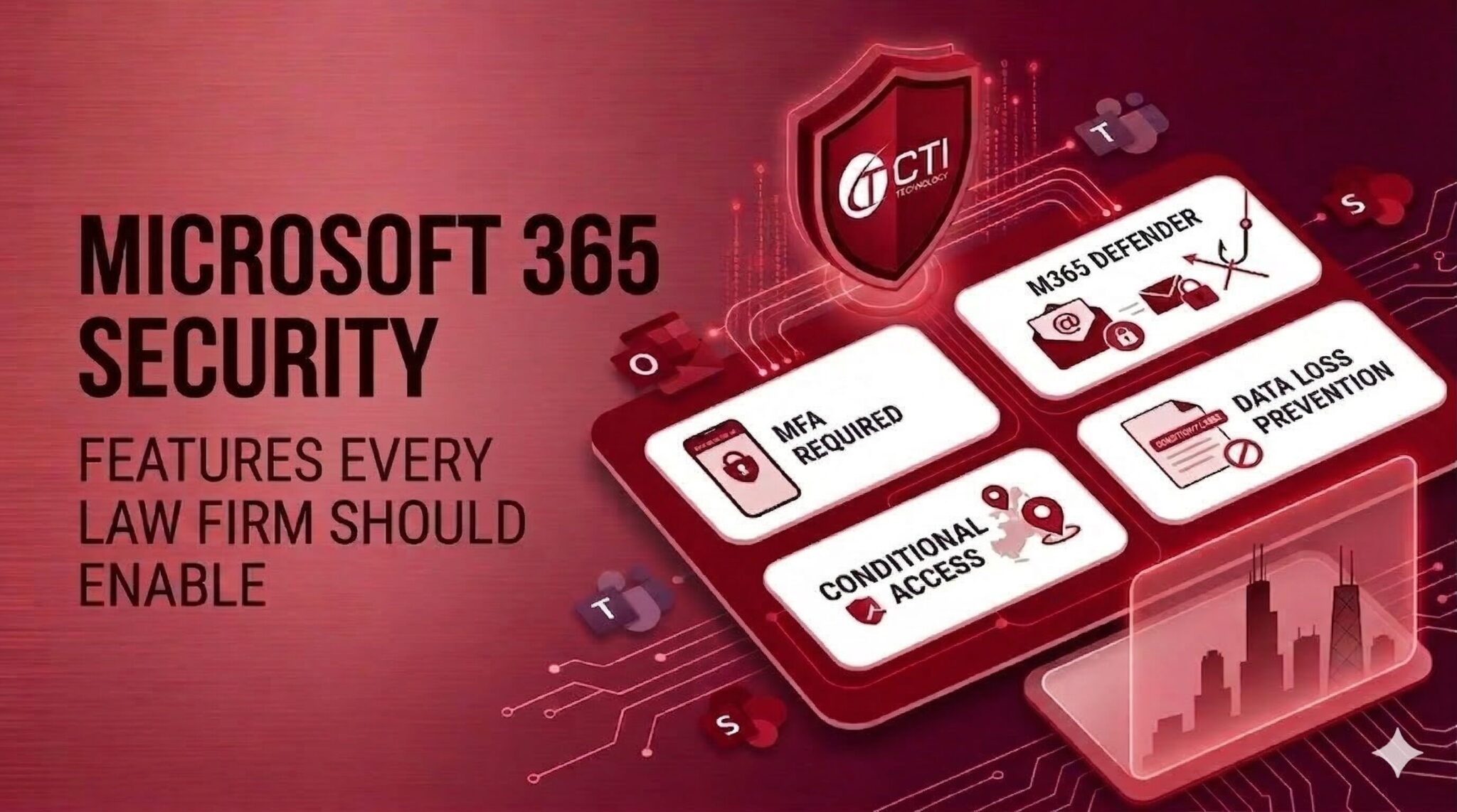
Multi-Factor Authentication (MFA)
Multi-factor authentication requires users to verify their identity with an additional method like:
- Mobile authentication apps
- SMS verification codes
- Hardware security keys
This extra layer dramatically reduces the risk of credential theft. Microsoft reports that MFA can prevent over 99% of automated account attacks.
For law firms handling confidential client information, MFA should be mandatory for every user account, including attorneys, paralegals, and administrators.
Conditional Access Policies
Conditional access policies allow firms to control who can access data and from where. Examples include:
- Blocking logins from high-risk locations
- Requiring MFA for remote access
- Restricting access from unmanaged devices
This level of control is especially useful for law firms with remote attorneys or hybrid work environments.
Microsoft Defender Email Protection
Email remains the most common attack vector targeting law firms. Tools like Microsoft Defender can help detect:
- Phishing attempts
- Malicious attachments
- Spoofed email domains
- Suspicious login activity
These protections reduce the likelihood of compromised attorney email accounts and fraudulent wire transfer scams.
Want to Set Everything Up Smoothly to Keep Your Microsoft 365 Environment Secure?
Configuring these tools properly requires both technical expertise and an understanding of legal workflows.If your firm wants to ensure its environment is secure, consider scheduling a consultation with a specialized IT team experienced in Microsoft 365 deployments for law firms.
Data Loss Prevention: Protecting Confidential Client Information
Law firms frequently exchange sensitive documents through email, shared drives, and collaboration platforms. Without proper controls, confidential information can be accidentally shared or leaked. Data Loss Prevention (DLP) policies in Microsoft 365 helps prevent these incidents. Using tools such as Microsoft Purview, organizations can automatically detect and protect sensitive information.
Examples of DLP protections include:
- Blocking emails containing confidential documents
- Restricting file downloads from unsecured devices
- Preventing unauthorized sharing outside the organization
Microsoft 365 also supports sensitivity labels, which allows law firms to classify documents according to confidentiality levels. For example:
- Internal documents
- Confidential client information
- Restricted case materials
These classifications allow systems to automatically apply security rules to sensitive files. Firms implementing these protections often rely on specialized Microsoft 365 configuration for law firms to ensure policies are applied consistently across email, document storage, and collaboration tools.
Secure Collaboration with Clients and External Counsel
Modern legal work often involves collaboration across multiple organizations. Attorneys frequently share documents with:
- Clients
- External counsel
- Consultants
- Expert witnesses
Platforms like Microsoft Teams and Microsoft SharePoint enable secure collaboration, but these environments must be configured carefully.
Important controls include:
- Guest access policies
- Document permission management
- Expiration settings for shared links
- Activity monitoring for shared files
Without proper configuration, confidential documents could be accessible to unintended users.
Why Many Law Firms Still Misconfigure Microsoft 365
Despite the platform’s capabilities, many law firms still operate with poorly configured Microsoft environments. Several factors contribute to this issue:
Lack of Legal Security Expertise
Generic IT providers may not understand the unique security requirements of law firms or the sensitivity of legal data.
No Regular Security Audits
Many firms deploy Microsoft 365 once and rarely revisit their configuration settings. Security threats, however, evolve constantly, requiring continuous monitoring and updates.
Misunderstanding Licensing Tiers
Microsoft offers multiple licensing options, and some advanced security features are only available in higher-tier plans. Without understanding these differences, firms may unknowingly operate without critical protections.
Get The Best From Your Chicago Law Firm’s Microsoft 365 Environment
Microsoft 365 provides powerful tools for email security, document management, and collaboration. However, these features only deliver value when configured correctly. For law firms, the stakes are especially high. Misconfigured systems can lead to:
- Compromised client data
- Operational disruption
- Reputational damage
If your organization wants to strengthen its Microsoft 365 security posture, scheduling a technology strategy consultation can help identify risks and ensure your environment is properly configured for legal operations.
Why Is CTI Technology The Best Choice For IT Services In The Chicagoland Region?

“Great pricing, even better service. Highly recommended!”
Great pricing, even better service. Highly recommended!”
Guido Arquilla

“Great IT company for our business! Highly recommended.”
“Great IT company for our business! Highly recommended.”
Brian Coli
“CTI is a great company and I would not trust my IT services to anyone else.”
CTI is a great company and I would not trust my IT services to anyone else.
Jenny Wagner
CTI Technology Tips & Articles